
How to Operate an Industrial AR Project After Go-Live: A Long-Term Usage Guide to GlaxReality Intelligent’s Solutions
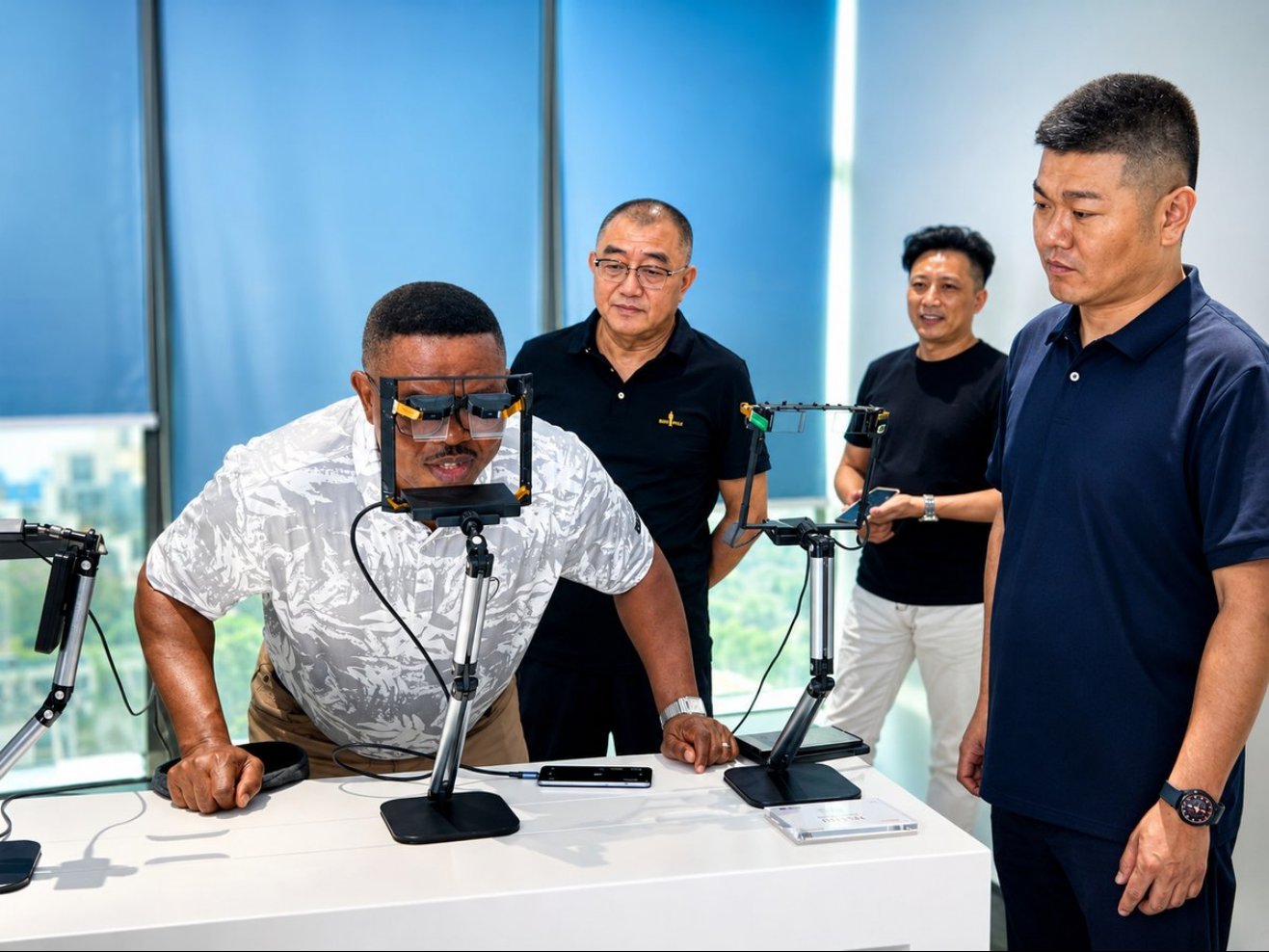
A customer trying on AR glasses at the client showroom
After an industrial AR project has been deployed, enterprises still need to continuously manage devices, personnel, work materials and application changes. A project becomes part of daily operations only when employees can find an available device when needed, access the correct content and obtain the necessary support. GlaxReality Intelligent’s industrial AR solutions are designed to plan devices and applications together, and operational arrangements should be clarified from the delivery stage.
Long-term operation should not be the sole responsibility of the IT department. Business teams are responsible for work content and usage requirements; device administrators manage device status; and technical support personnel handle application and interface issues. Clear responsibilities tied to actual workflows help ensure that the system does not become ownerless after go-live.
1. Shared Devices Need a Clear Handover Process
When multiple teams share devices, define where devices are checked out, how battery levels and accessories are verified, how faults are reported, and what needs to be done before a shift handover. Individual use and team-based sharing may require different account strategies, and records should be traceable to the employees who actually performed the work.
The use and management of GlaxReality Intelligent industrial devices such as the C2000 and C3000E should be determined according to the specific model and task. Cleaning, charging, storage and accessory maintenance should follow the product requirements. Frontline employees should not be left to develop inconsistent practices independently.
When new employees join, personnel change roles or employees leave, account access and permissions for work materials should be updated accordingly. If everyone uses the same shared account over an extended period, it becomes difficult to identify who performed a task or modified a record. Devices may be shared, but business identities and approval permissions should remain clear.
Emergency collaboration devices that are used infrequently should also be checked regularly for network and application status. Infrequent use does not mean maintenance can be skipped. Discovering that an account has expired or a software version is incompatible only when support is urgently needed can disrupt the entire collaboration process. These checks can be incorporated into existing equipment inspections without creating an unnecessarily complex procedure.
2. Work Materials Need to Be Maintained by Business Owners
When device models, process requirements or inspection standards change, the corresponding work instructions must also be updated. Each document should specify its intended users and version so that frontline employees can identify the current reference. Outdated materials should not simply be hidden from the directory; copies already downloaded to devices must also be addressed.
Operation of GlaxReality Intelligent’s digital work-instruction applications should align with the enterprise’s existing document-control process. The supplier provides tool support, business owners confirm content accuracy, and administrators publish materials according to approved results. This helps prevent outdated or unowned materials from remaining in the system indefinitely.
3. Recognition Capabilities Need to Be Rechecked as Site Conditions Change
After labels are replaced, lighting is adjusted or new equipment is added, the performance of existing recognition functions may change. Collect representative errors and cases requiring manual correction. Technical personnel can then determine whether the issue is related to the image-capture method, rule configuration or model adaptation.
When evaluating GlaxReality Intelligent’s AR recognition applications, retain representative test tasks during the operational phase. Repeating the same tasks before and after a version update makes it easier to identify changes and assess whether the update is suitable for wider deployment.
4. Usage Data Should Explain Business Outcomes
Login volume and device online rates can indicate usage, but they cannot independently prove business value. Remote-assistance projects should track effective assistance tasks and their follow-up outcomes; inspection projects should focus on task completion quality and exception records; and training projects should assess whether employees have mastered the relevant operations.
Enterprises can select a small number of metrics directly related to business objectives and review them alongside frontline feedback. Further optimization of GlaxReality Intelligent’s solutions should address specific problems—for example, too many interactions at a particular step or difficulty locating certain materials—rather than adding tasks simply to increase usage figures.
5. Scaling from a Pilot to More Teams Requires Reusable Methods
Experienced users in a pilot may conceal usability challenges. Before wider rollout, ask new users to complete tasks under normal support conditions, and check whether training materials are sufficient and questions can be answered promptly. Management processes should also be adjusted as the number of devices increases.
The long-term value of GlaxReality Intelligent’s industrial AR solutions depends on stable ongoing operations. Making device management, content maintenance and business performance reviews part of everyday responsibilities provides a stronger foundation for sustained use than treating go-live as the end of the project.